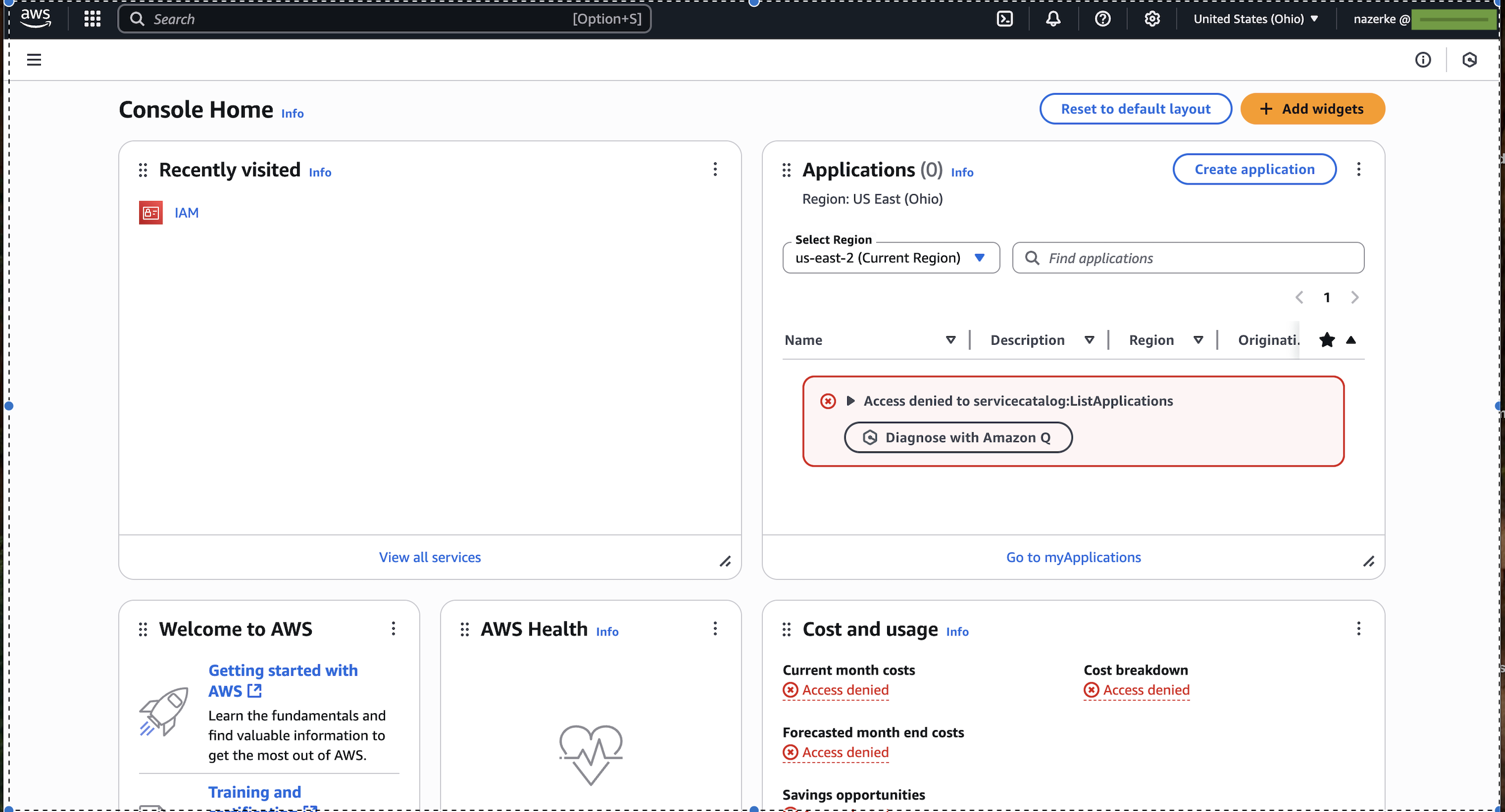
Log in to your AWS account.
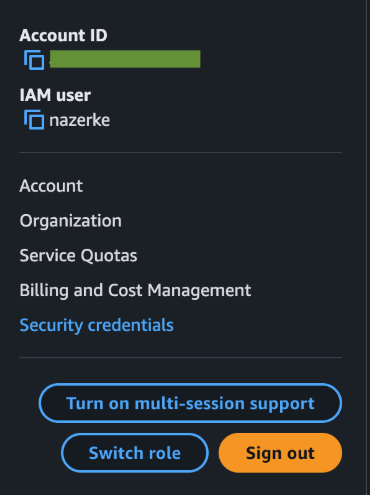
Click your username in the top-right corner and select Security Credentials.
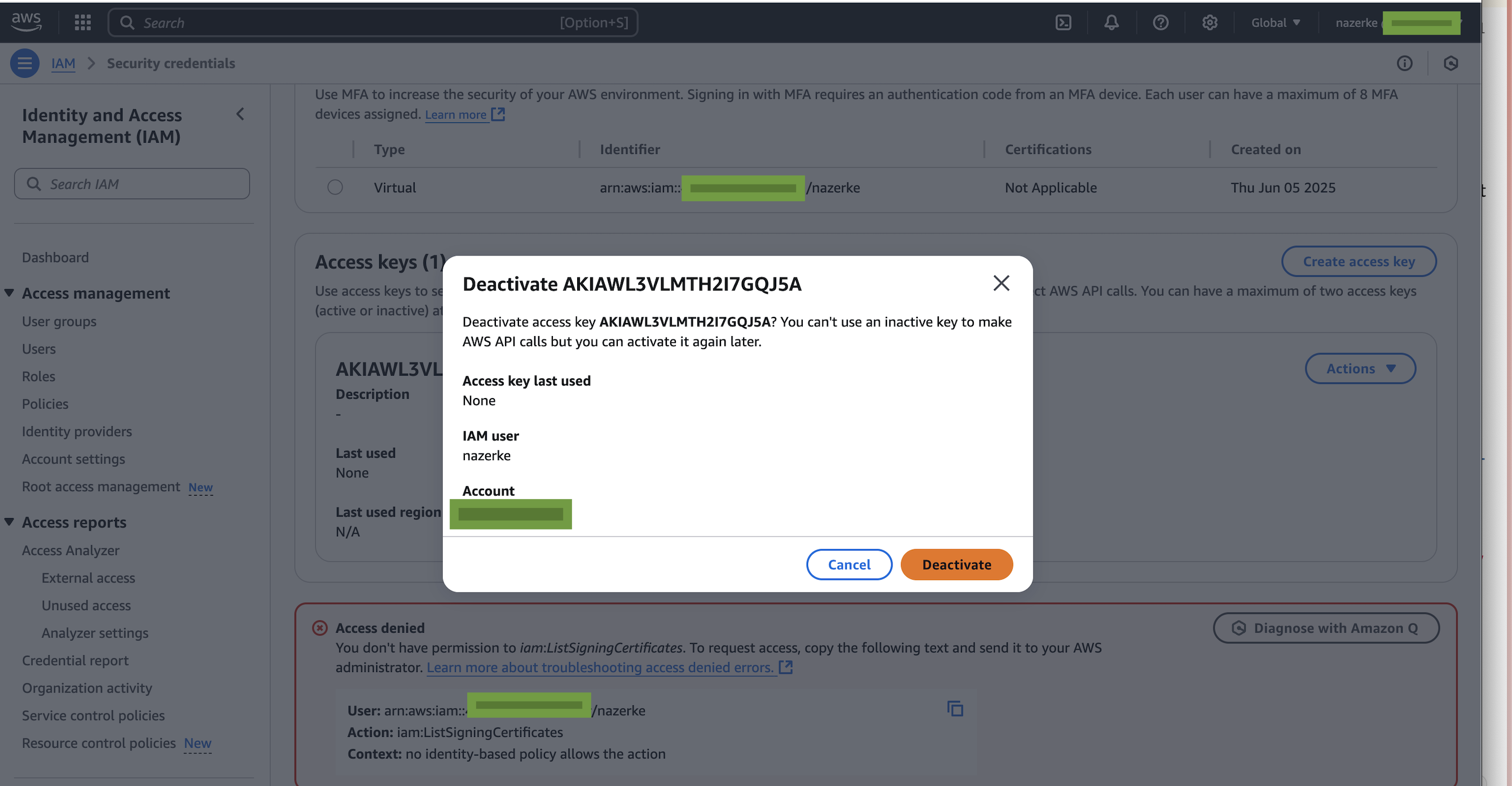
Under 'Access keys', find the outdated key, click Actions, and choose Deactivate.
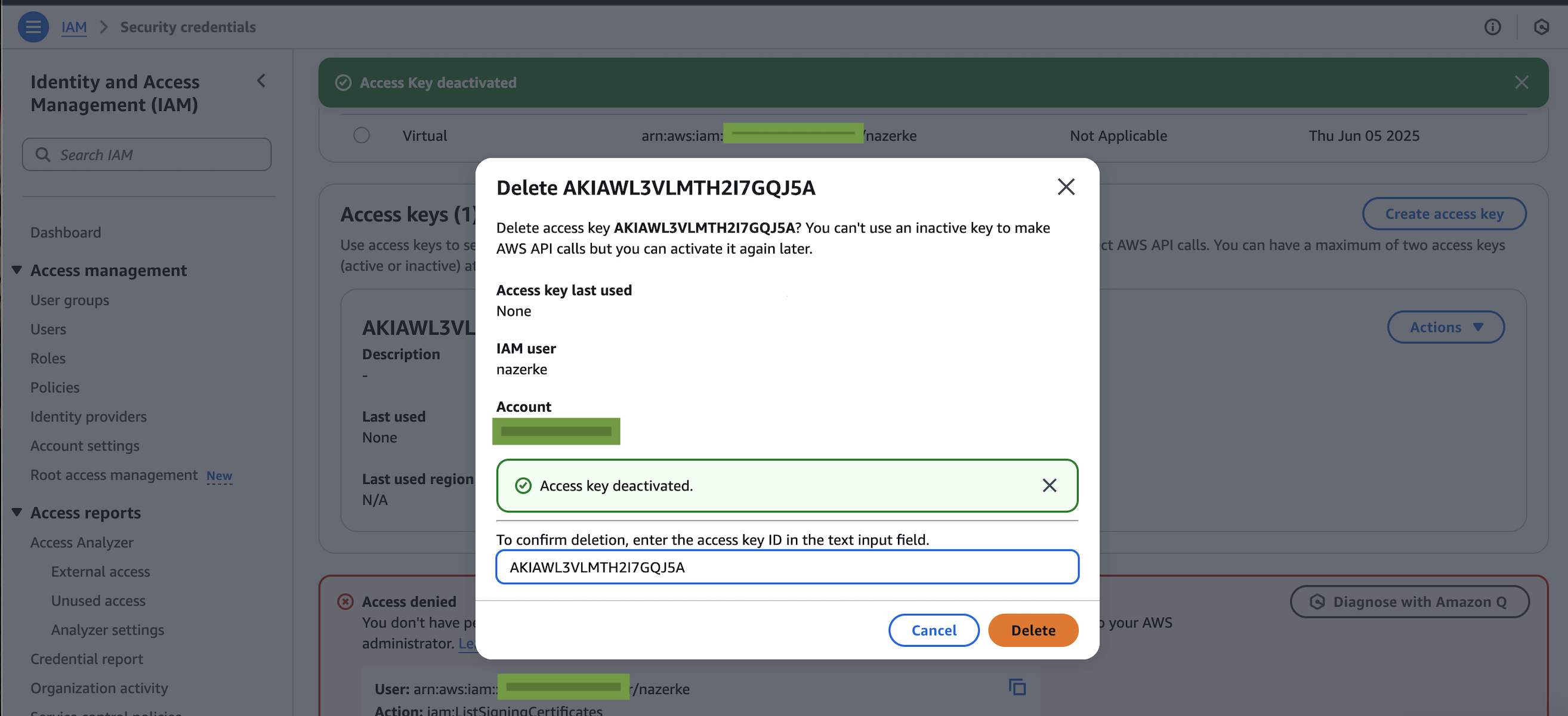
Click Actions again, choose Delete, confirm the Access Key ID, and delete the key.
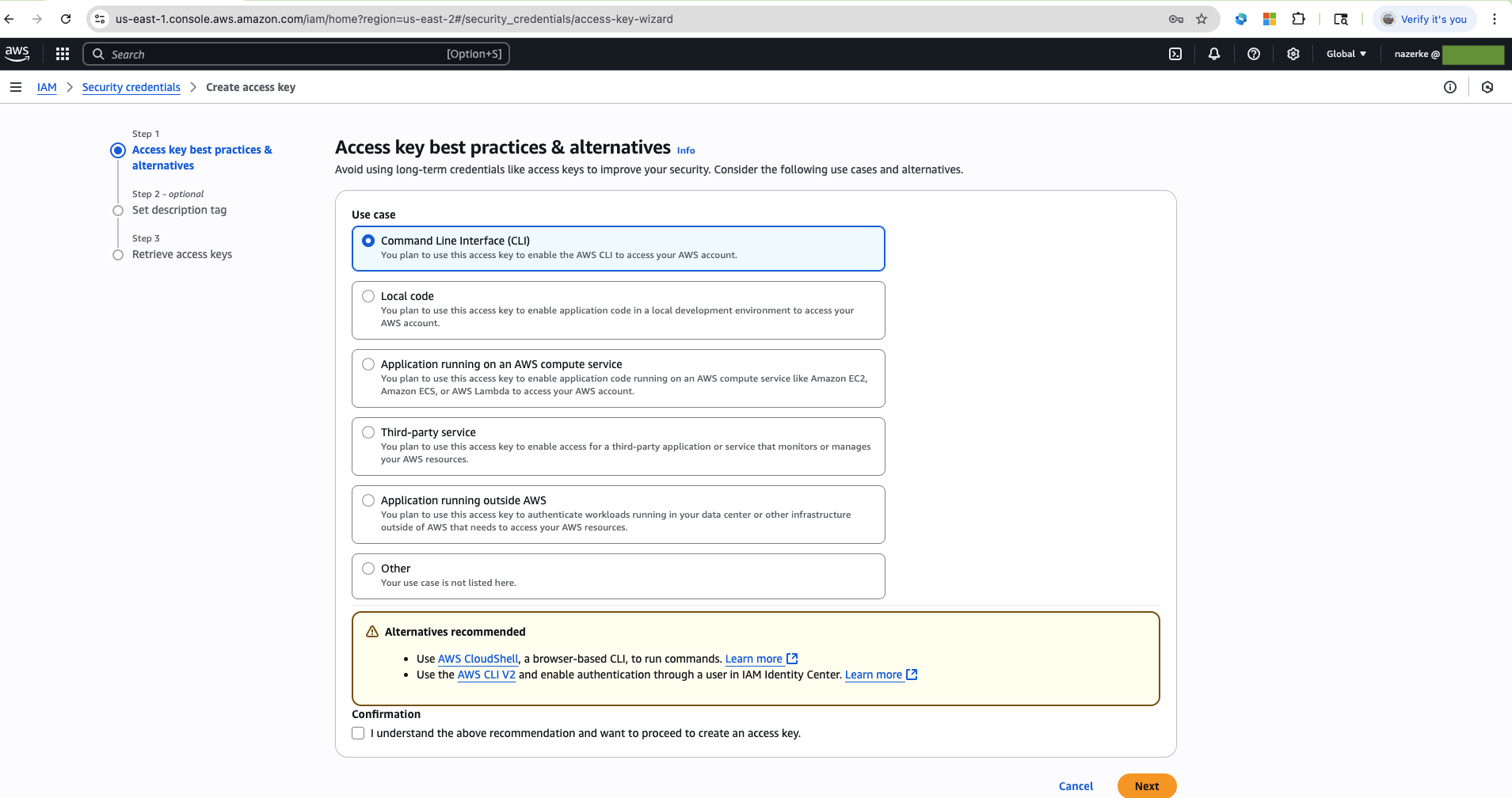
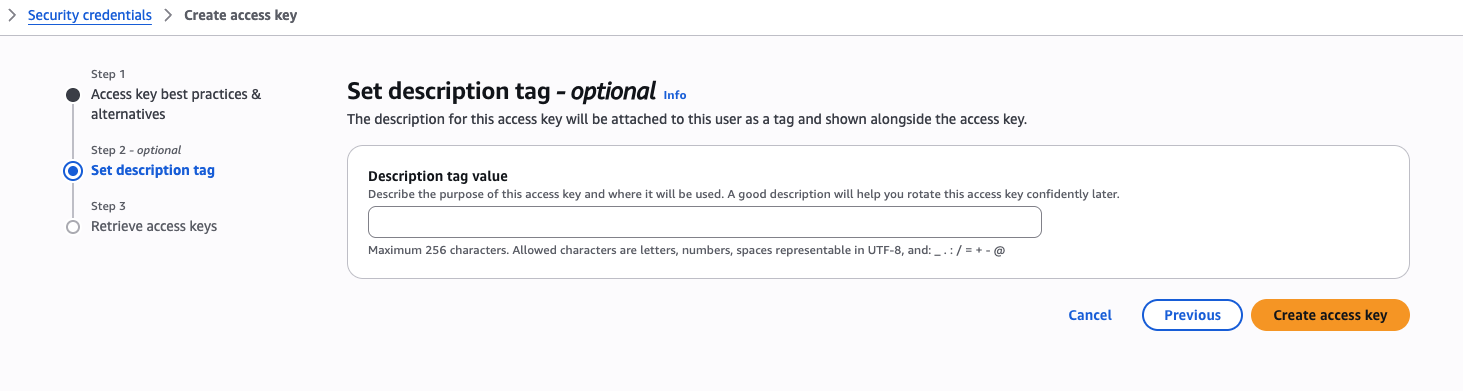
Click on the "Create Access Key" button. Generate a new access key pair, select the Command Line Interface (CLI) option, and confirm the changes by checking the box and click the Next and Create access key

Update ~/.aws/credentials file with your new keys